Grocery inventory management software that tracks shrink by department
Department-level shrink tracking, FEFO rotation, strict date and lot control, and perishable analytics. Enterprise tools at independent store prices.
No credit card required. Cancel anytime.
Kroger and Walmart have $50M systems. You're using spreadsheets.
US grocery shrink hit $50B industry-wide. Deli loses 8.7%, bakery 8.5%, seafood 7.6%. You can't fix what you can't measure.
Checkout friction kills basket size
Slow lookups during rush hours. Customers abandon carts. Your staff struggles with weighted items, PLU codes, and 10,000+ SKUs.
Perishable shrink eats your margins
Deli shrinks 8.7%. Bakery loses 8.5%. Produce wastes 4-8%. With 65% of all store shrink coming from perishables, manual FIFO checks are a losing battle.
No department-level visibility
Which departments make money? Where's the dead stock hiding? You're ordering produce based on gut feel while chains use AI forecasting.
Enterprise tools at independent store prices
FEFO enforcement, shrink analytics, date-label compliance, and department management. What the chains have, without the six-figure contract.
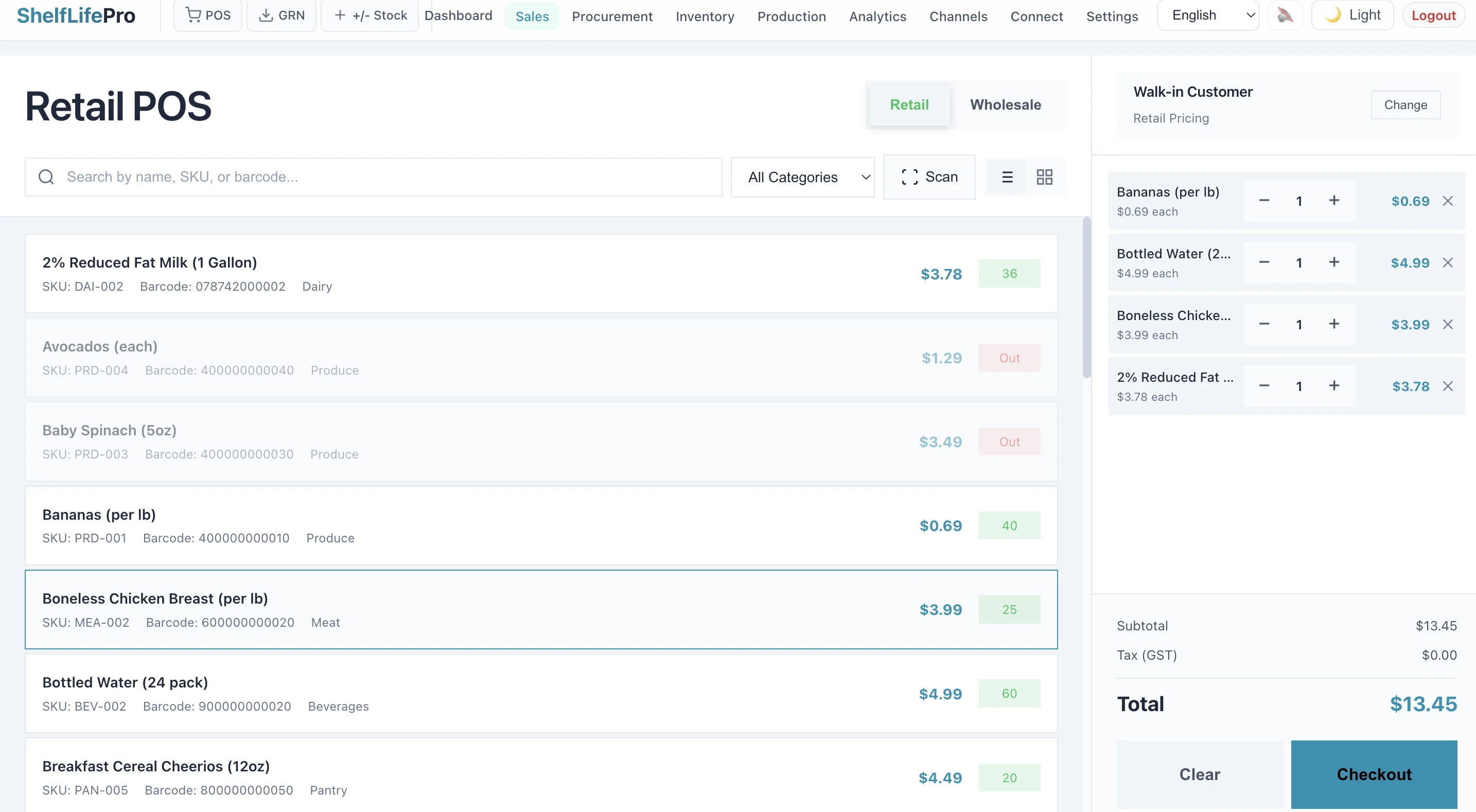
Lightning-fast POS with UPC and PLU support
Scan UPC barcodes, key in PLU codes, weigh produce - all in seconds. Handles 10,000+ SKUs without lag. Works with USB and Bluetooth scanners.
- Sub-second barcode lookups even with 10K+ products
- Weighted item support for fruits, vegetables, bulk goods
- BOGO, combo deals, and markdown pricing
- Multiple payment methods including card, contactless, and EBT
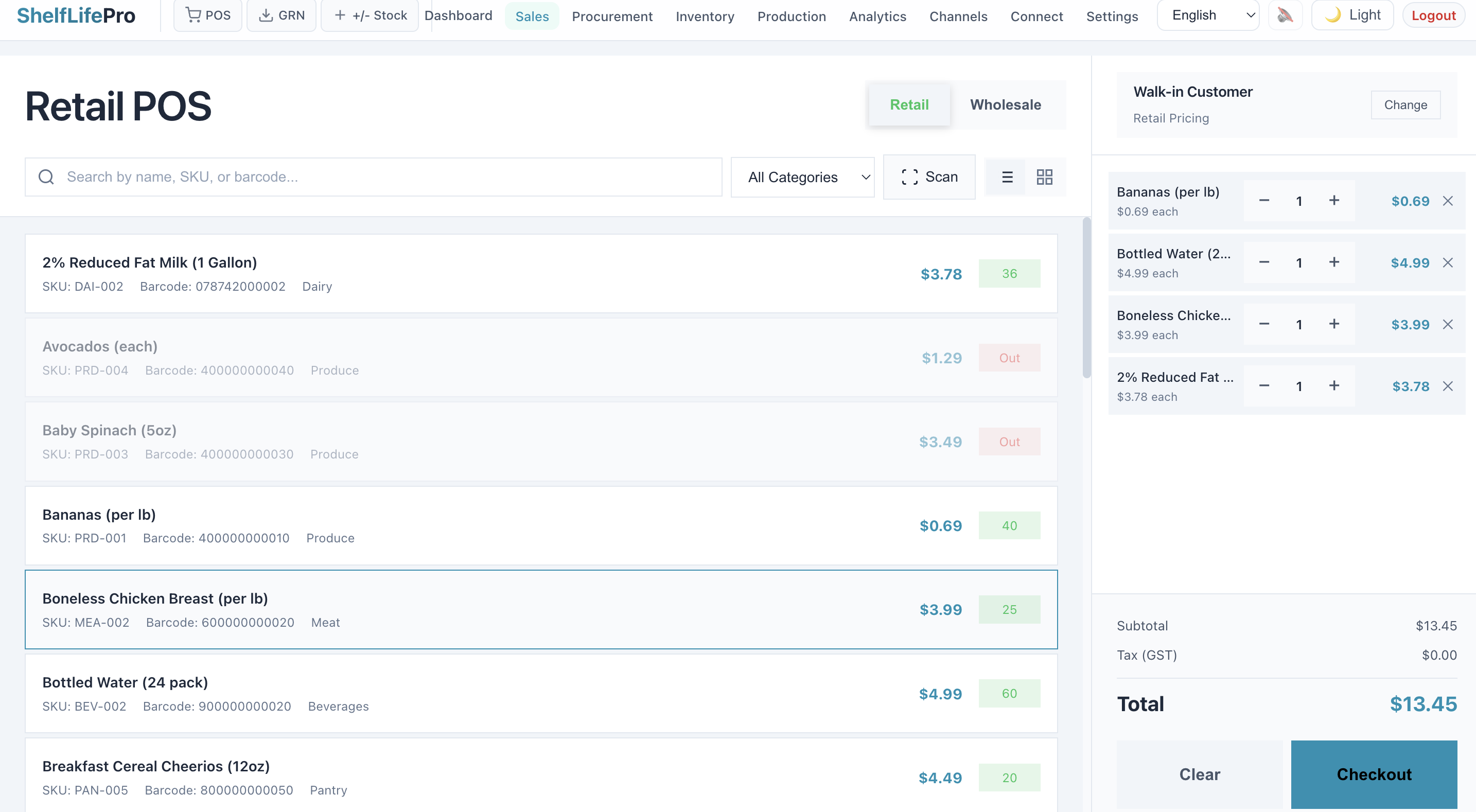
Know exactly where you're losing money
See shrink rates by department - deli, bakery, produce, meat, dairy, frozen. Track FEFO compliance, waste reasons, and markdown recovery. Fix the departments bleeding money.
- Department-wise sales reports
- Department-level shrink rate tracking
- FEFO compliance scoring by department
- Department manager access controls
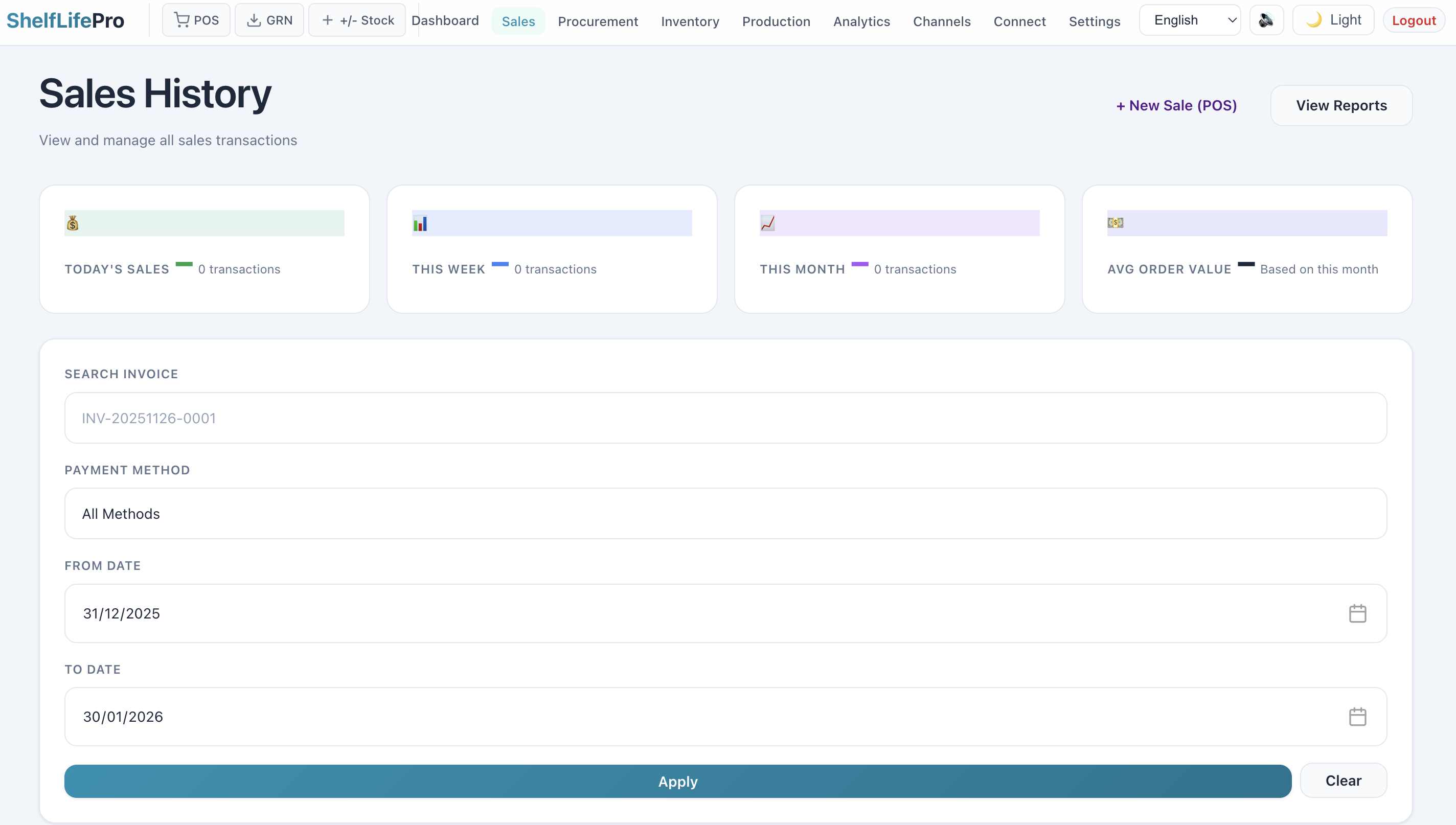
Keep customers coming back
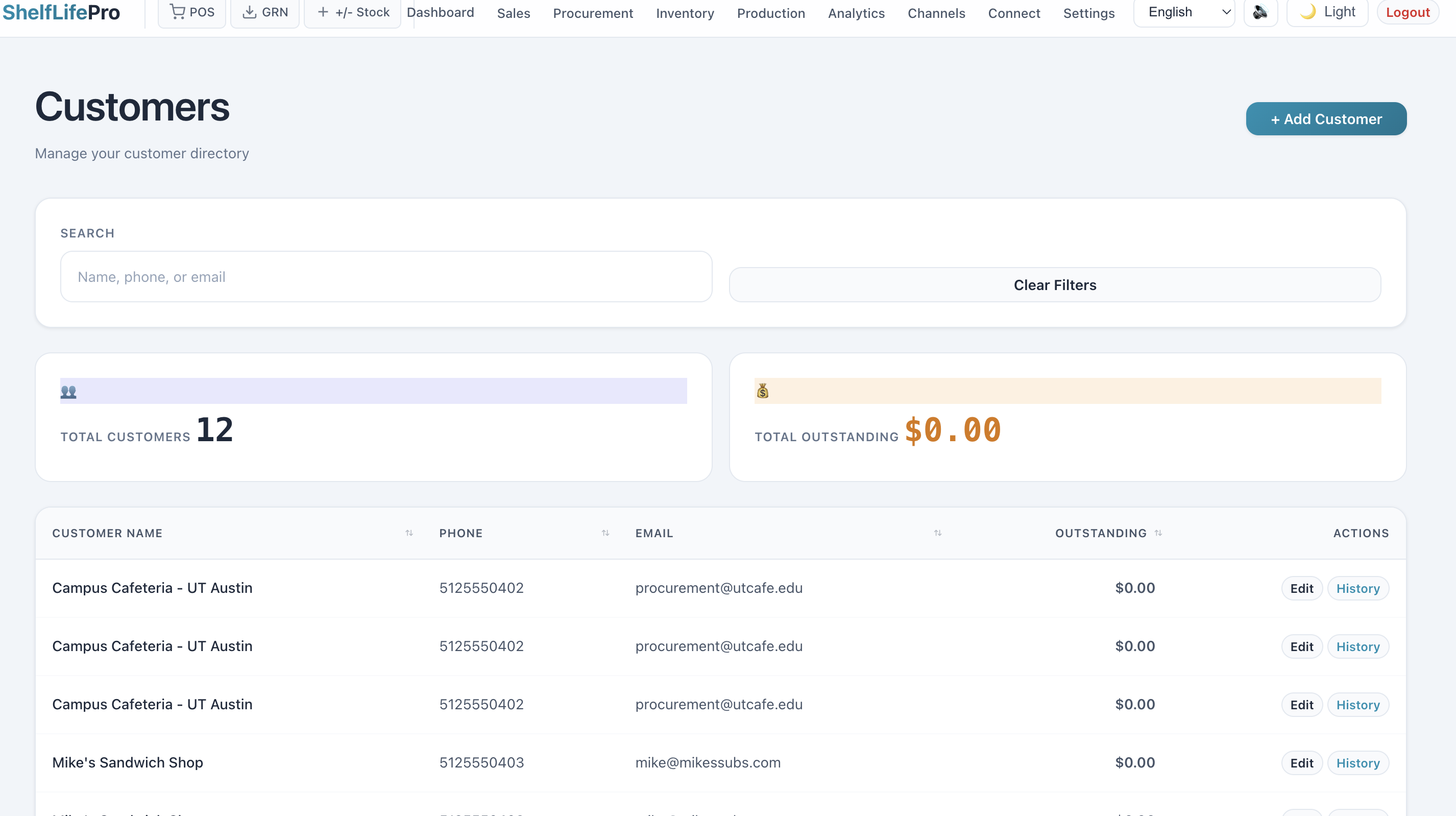
Points-based loyalty program. Track purchase history. Send targeted offers via email. Compete with chains on customer experience without their IT budget.
- Points earned on every purchase
- Customer purchase history
- Targeted email and SMS offers
- Birthday and anniversary rewards
What grocery store inventory management software has to do
Strip the vendor language and there are five jobs. A system that does all five is grocery inventory software. One that does not is a POS with a stock column.
- 1
Capture the expiration date at receiving
By department, without typing it: from the invoice, a 2D barcode, or a shelf-life rule for the category.
- 2
Pick the earliest-expiring lot at checkout
FEFO at the register, so rotation happens even when the night crew stocked the shelf wrong.
- 3
Show what will lapse before it sells
A daily list of what expires in the next 7, 14 and 30 days, so the markdown happens while the stock is still worth something.
- 4
Record shrink by reason
Expired, damaged, theft, count error. A shrink number without a reason never moves.
- 5
Reorder from sell-through
Not from a gut feel and a rep’s suggestion.
In ShelfLifePro, batch and expiry are captured at receipt (scan, OCR photo or supplier file), the counter offers the earliest-expiring batch first, and expired stock cannot be billed. Not a warning, a refusal, on every plan. A nightly expiry sweep writes a costed wastage record, and the damage log keeps the reason, action and photo for every write-off.
What a small store needs, and what to skip
Enterprise grocery software assumes a receiving team, a back-office manager and an IT department. A single store with two or three people on shift needs something that fits the workflow it already has.
Expiry and batch visibility
Which items expire in the next 14 days, sorted by department. Perishables shrink differently from canned goods.
Receiving in under two minutes a delivery
If logging a delivery is slower than stacking the boxes, staff will skip it. Phone scanning or invoice OCR keeps the dock honest.
Reorder alerts tied to shelf life
Ten units on hand is one thing. Ten units that expire in four days is another.
Shrink by department
Produce, dairy and bakery lose stock for different reasons. You cannot fix a number you cannot split.
Skip for now: demand-forecasting AI, supplier EDI and loyalty analytics. They are real features for larger operations; under 2,000 SKUs they add complexity before the basics are solved. More on FEFO in practice, margins by department and running a 500-SKU store.
Four questions to ask any grocery inventory software
If a vendor cannot answer these clearly in a demo, that tells you something.
- Can I see what is expiring in the next 7, 14 and 30 days, by department? If that needs a custom report, it was not built for grocery.
- How does receiving work on a phone? Ask to see the receiving flow in the demo. If it needs a desktop, it will not get used at the dock.
- Does it track shrink separately from sales? Shrink that looks like sales wrecks reorder accuracy.
- What does the alert look like? A morning email is useful. A badge on a dashboard nobody opens is not.
Grocery inventory software: common questions
What should grocery inventory management software do for a small store?
Five things: log every delivery with expiry by department, pick the earliest-expiring lot at checkout (FEFO), flag what will not sell before it expires, record shrink by reason, and reorder from sell-through. Anything else is optional for a store under 5,000 SKUs.
How do grocery stores keep track of expiration dates?
Most independents still walk the aisle with a clipboard. Software replaces the walk: dates are captured at receiving from the invoice or a 2D barcode, and a daily list shows what lapses in the next 7, 14 and 30 days.
Is grocery shrink tracking software separate from inventory software?
It should not be. Shrink is the gap between what you received and what you sold, split by reason: expired, damaged, theft, count error. If the inventory system holds receipts, sales and write-offs by reason, the shrink report falls out of it.
The records an inspector asks for
Licence register, expiry list, expired stock kept apart, batch trace, temperature log. Produced by the stock record, not by a scramble on the day.
Licence register with renewal reminders
A register for your food business licence or permit and tax registrations, with renewal reminders before any of them lapse.
Expired stock cannot be billed
Not a warning, a refusal, on every plan. The counter offers the earliest-expiring batch first; overriding it carries a reason that stays on record.
A recall, run by the regulation
Record the lot and it is blocked at every checkout, transfer and delivery at once. The distribution list builds from your records, the 24-hour authority-notice clock starts, weekly status reports fall due, and the packet is prepared for you to submit. It is not itself a submission.
Temperature log for chilled and frozen stock
Readings by zone against target bands, breaches flagged, and anything chilled sitting in an ambient store called out. Exportable to CSV. "Shelf life lost" after an excursion is an estimate.
Batch trace in one click
One PDF from the supplier invoice backward to every sale, transfer, issue, donation and return forward. The Food Recall Regulations require these records for a year past expiry.
The recall workflow is on Pro Growth and above; the licence register and the refusal to bill expired stock are on every plan.
Useful even if you never sign up
Free, instant, and built from the same rules the product enforces. Take it with you.
Get the department date-check logs
Printable daily date-check logs for produce, dairy, meat and deli — the department discipline printed on each page, plus a fillable Excel version. See what's inside.
Instant download. No spam, unsubscribe in one click.
Free 60-second inventory audit
Upload a stock export (CSV or Excel) and see the value at risk in your inventory — no signup.
Stop losing to shrink. Start competing.
Catch perishables before they expire, every department, every batch. 14-day free trial, no credit card required.